Read directly from Go
Fetch complete YAML / JSON with the SDK. Enable polling when you need updates, then validate and apply the new settings in your program.
Use the Go SDK →YAML, JSON, passwords and certificate files for each environment.
Read them through the Go SDK, mounted files or native Secret / ConfigMap objects.
USE CASES
INTEGRATIONS
Go applications can use the SDK.
Other applications can read files or environment variables.
Fetch complete YAML / JSON with the SDK. Enable polling when you need updates, then validate and apply the new settings in your program.
Use the Go SDK →For programs in Kubernetes that read configuration files. Enable the CSI driver's periodic updates, and make sure the application reloads the files.
Set up the CSI provider →Copy configuration into native Kubernetes objects at regular intervals. Programs using environment variables need a new Pod to adopt changed values.
Use native synchronization →CONFIGS & VAULT
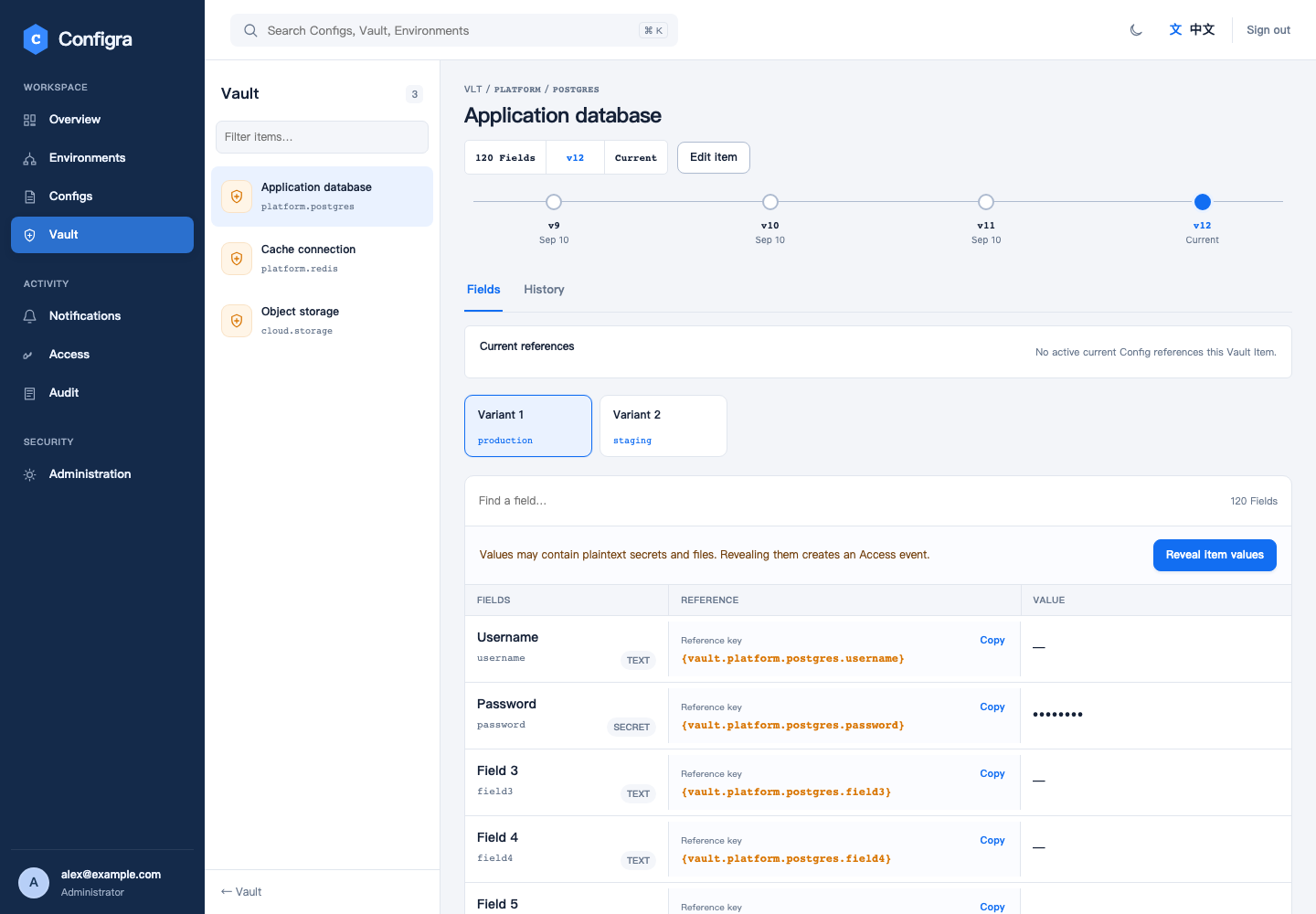
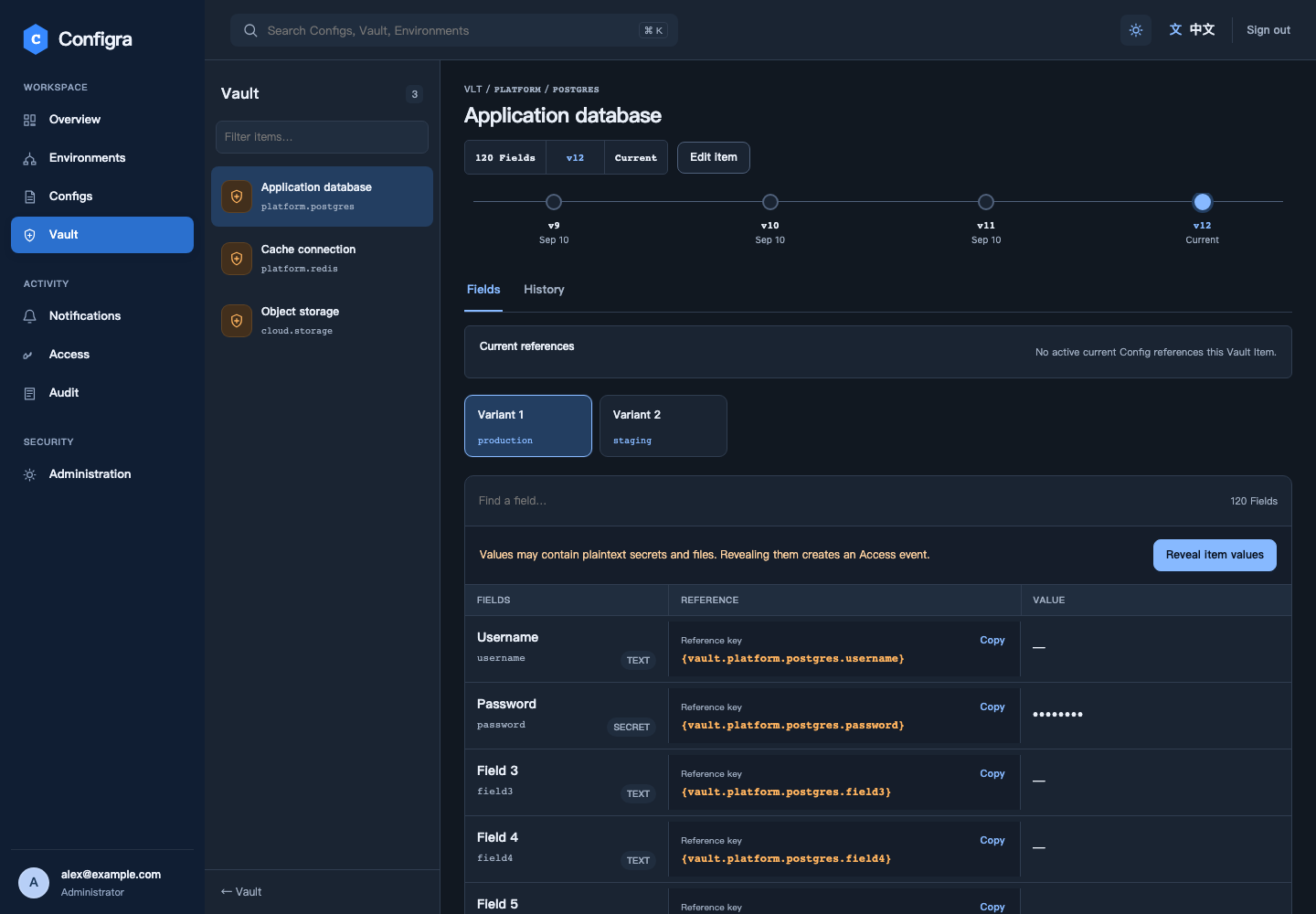
Store shared values in Vault and refer to them in configuration. When an application reads, Configra fills in the values for that environment and returns the complete document.
CLIENT CERTIFICATES
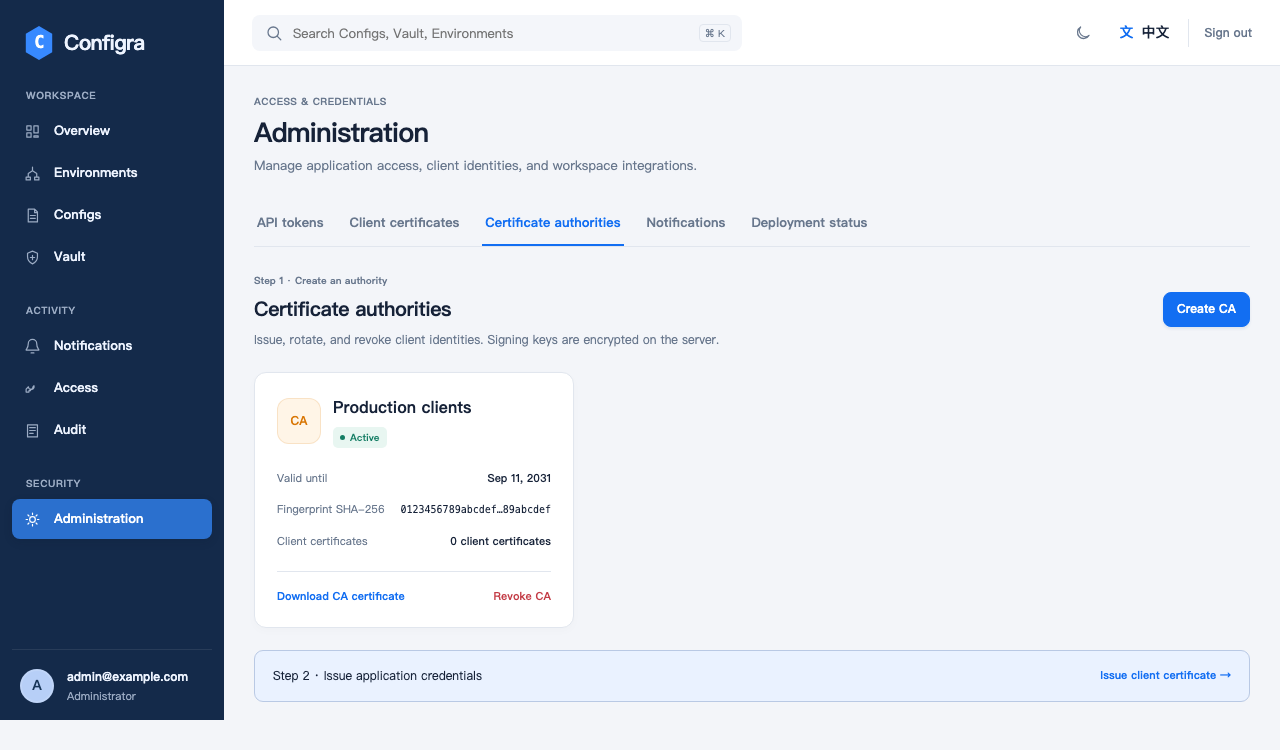
Create a certificate authority (CA) in the workspace, then issue certificates for applications. Configra keeps its signing key encrypted for later issuance. A private-key backup is available only at creation.
Manage client certificates →A Token can read every configuration in a granted environment, not just one item. Before rollout, test capacity, backup recovery and API ingress in your own environment.
Read the security and release status →